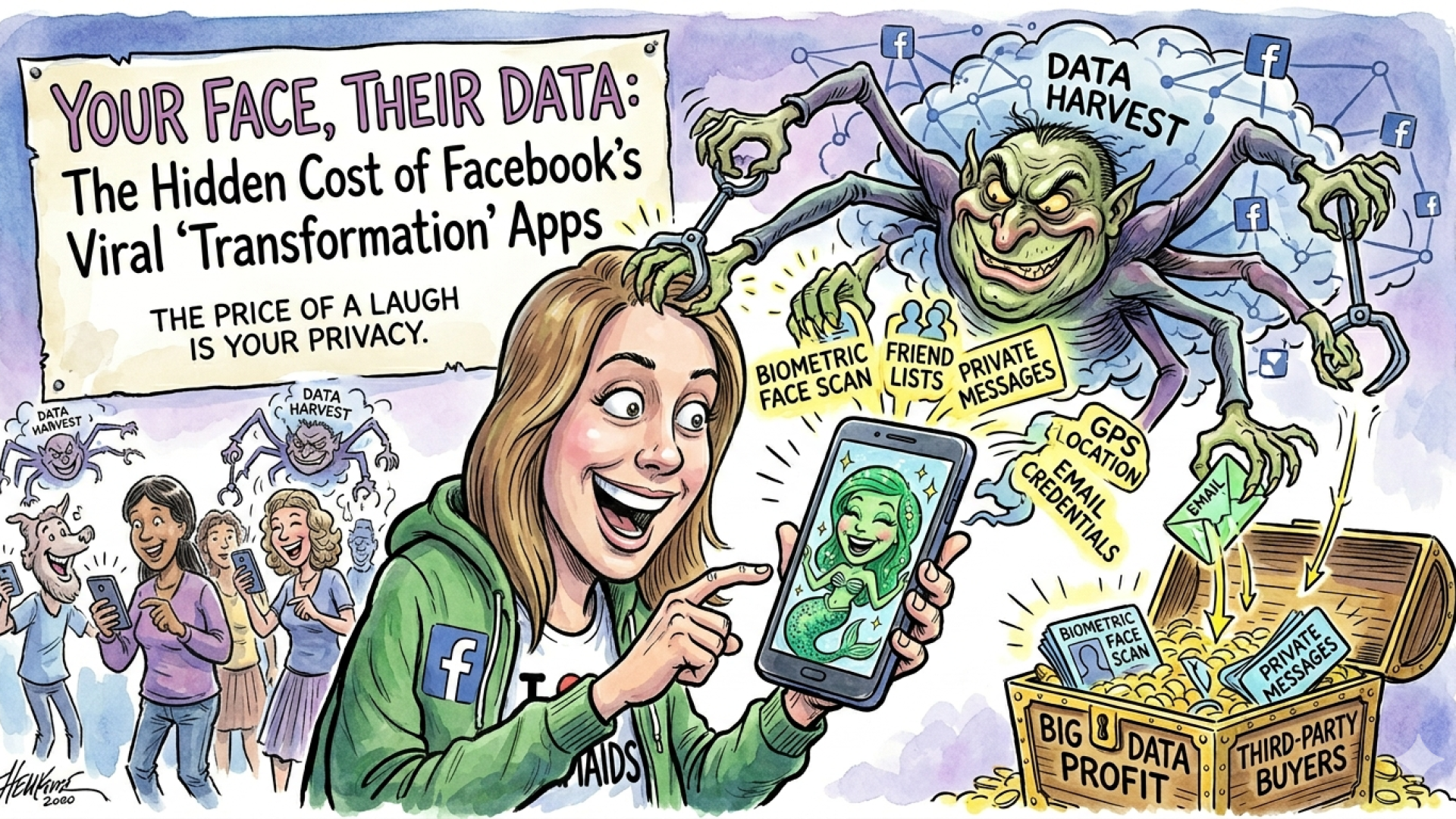






There is a huge wave of people using AI to “de-age” themselves or place their faces back into 2016-era aesthetics (Snapchat puppy filters, flower crowns, mermaid, greek God and other “Squish-It” videos). They look like harmless fun, it feels nostalgic and safe, but behind the “Magic” is a massive data-mining operation.
Before you click “Allow” to see your digital makeover, you need to know exactly what you are trading away for a 15-second video.
Take Note: This year (2026), biometric identity theft is a rising concern. Since many banking apps now use “Face ID” or “Video Verification” to reset passwords, giving a random app a high-quality video of your face dancing or moving is essentially giving them the “master key” to your biometric security.
- The “Login” Trap: Handing Over the Keys
The danger starts before you even upload a photo. To use the app, you’re often asked to “Sign in with Facebook” or “Sign in with Google.” To most users, this is just a shortcut. To the app developer, it’s a goldmine.
When you use your social media or email credentials to log in, you aren’t just giving them your name. You are often granting permission to access:
- Your Full Contact List: Allowing them to map your social circle.
- Your Private Email Address: Which is often the “recovery” address for your bank and sensitive accounts.
- Your Interests and History: Data that is packaged and sold to advertisers to build a “shadow profile” of your life.
- Your Friends’ Data: In some cases, you are inadvertently compromising your friends’ privacy by allowing the app to see who you interact with.
- You are Giving Away Your “Biometric Blueprint”
When you upload a selfie to be transformed, you aren’t just sharing a picture; you are providing a high-resolution scan of your facial geometry.

Unlike a password, you cannot “reset” your face. If this developer’s database is hacked—or if they sell their data—your biometric map could theoretically be used to train AI Deepfakes or attempt to bypass facial recognition security systems.
- The “Permissions” Overreach
Have you noticed how a simple photo-editing app often asks for your GPS location or access to your microphone? There is no reason a “Mermaid Filter” needs to know your exact coordinates or listen to your room. This data is harvested to track your physical movements and consumer habits, which is then sold to the highest bidder.
- The Permanent License
By clicking “I Agree,” you often sign away the rights to your own face. Many of these apps include “Irrevocable License” clauses. This means they can use your likeness in advertisements, AI training sets, or promotional materials—years from now, in any country—without your permission or any compensation to you.
How to Protect Yourself
You can still enjoy the internet without becoming a data point. Follow these rules:
- Avoid “Social Login” Shortcuts: If an app requires you to log in via Facebook or Gmail to work, it’s usually a red flag. Create a separate account with a “burner” email if you absolutely must use it or “Sign in with Apple” (if on iPhone).

- The 10-Second Rule: Read the permissions pop-up. If a photo app asks for “Location” or “Contacts,” hit Deny.
- Audit Your Connected Apps: Go to your Facebook Settings > Apps and Websites today. Look at how many old “quizzes” or “filters” still have active access to your profile and Remove them immediately.
The Bottom Line: If the product is “free” and it’s asking for your face and your login, you are the product being sold. Your digital identity is worth much more than a 30-second laugh.
🛡️ Share This Post
Help your friends protect their privacy!
Share this to your feed so your family knows the risks before the next viral trend takes over.